Reaper vs FL Studio: Which One’s best Your Beat-Making Buddy?
Hey music lovers! If you’re diving into music production, you’ve probably heard of Reaper vs FL Studio—two big names that can turn your ideas into killer tracks. I’ve been messing around with both for a while, and today I’m breaking it down for you in a simple way. Whether you’re a beginner strumming your first chords or a pro stacking layers, this guide will help you pick the right one.
Both tools are awesome in their own way, but they’re built for different vibes. Reaper is like that quiet, flexible friend who lets you do whatever you want, while FL Studio is the flashy, all-in-one party starter. I’ve tried making beats on both, and it’s been a fun ride figuring out what works. Let’s dive into the details!
What Are Reaper Vs FL Studio?
Reaper, made by Cockos, is a lightweight digital audio workstation (DAW) that’s all about freedom. You can record, edit, mix, and master anything—guitars, vocals, you name it. It’s super customizable, and the best part? It’s crazy affordable, with a license around $60 (or $225 for commercial use), and there’s even a free trial that lasts forever with a nag screen.
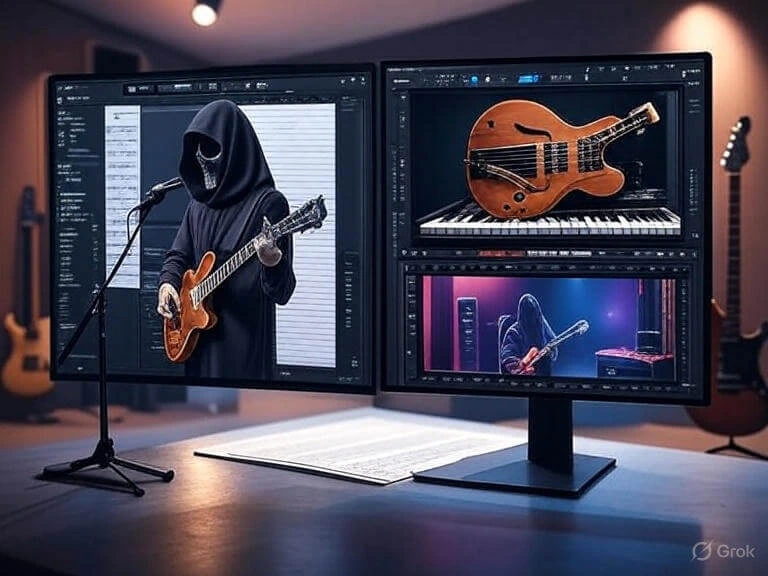
FL Studio iOS, from Image-Line, is the colorful beat-making king. It started as a tool for electronic music but now handles everything—hip-hop, pop, you name it. It’s got a lifetime free update policy if you buy it (starting at $99), and it’s packed with tools right out of the box. I first got into it years ago for its fun piano roll!
Why People Love Them
Reaper’s a hit because it’s light on your computer and lets you tweak everything. Musicians who record live instruments or need custom setups swear by it. The community’s small but super helpful—I once got a tip on a forum that saved my mix!
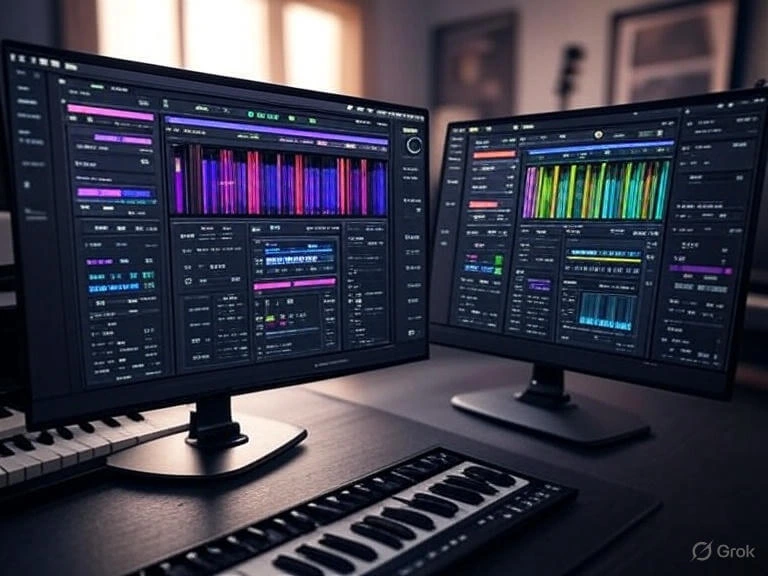
FL Studio shines for producers who love crafting beats fast. Its drag-and-drop workflow and huge sound library make it a favorite for electronic music fans. I remember making my first track in an hour with its presets—pure joy!
Key Features Showdown: Reaper vs fl Studio
Reaper’s Strengths
- Customizable Layout: Move windows, add plugins, and set it up your way. I rearranged it to fit my dual monitors!
- Multi-Track Recording: Record as many tracks as your PC can handle—perfect for bands.
- Affordable Power: $60 gets you pro tools, and it runs on old laptops too.
- Scripting: Write your own scripts if you’re techy—added a fade tool myself once.
FL Studio’s Strengths
- Beat-Making Tools: The step sequencer and piano roll are a dream for loops. My first beat was a hit thanks to this!
- All-in-One Package: Synths, effects, and samples come built-in—no extra buying needed.
- Lifetime Updates: Buy once (e.g., $99 Producer Edition), and updates are free forever.
- Mobile Sync: Works with FL Studio Mobile, so I can start on my phone and finish on PC.
Ease of Use: Which One’s Friendlier?
Reaper feels like a blank canvas at first. If you’re new, the setup can be tricky—I spent an hour figuring out MIDI. But once you get it, it’s like driving a car you built yourself. Pros love this control, but beginners might need tutorials.
FL Studio is like a playground. The interface is bright and touch-friendly, with drag-and-drop clips. I jumped in as a newbie and made a track in no time. It’s got templates to start with, so you’re not lost. Great for kids or casual creators too!
Pricing and Value
Reaper’s a steal at $60 for the personal license (or free with a nag if you’re testing). No subscriptions—pay once, use forever. I upgraded because it’s worth every penny for live recording.
FL Studio starts at $99 (Producer Edition), with the All Plugins bundle at $499. It’s pricier, but the lifetime updates and mobile app make it feel like a deal. I saved up for it after loving the trial!
Who Should Pick What? Reaper vs Fl Studio
- Reaper: Go for it if you record live music (guitars, drums) or want a custom setup. It’s my go-to for jamming with friends.
- FL Studio: Pick this if you love electronic beats or want everything in one place. I use it for quick DJ sets!
My Take: Tried Both, Here’s the Deal
I’ve used both for months. Reaper helped me record a full band session with ease—its flexibility is unreal. FL Studio, though, is my go-to for fast beats when I’m on a deadline. If you’re into live stuff, Reaper wins; for electronic vibes, FL Studio’s my pick. Try both trials and see what clicks for you!
Wrapping It Up
Reaper vs FL Studio? It’s all about what you love making. Reaper’s the budget champ for live recording, while FL Studio’s the beat-making hero with lifetime perks. I’ve had a blast with both, and you will too.